Integrator Notes
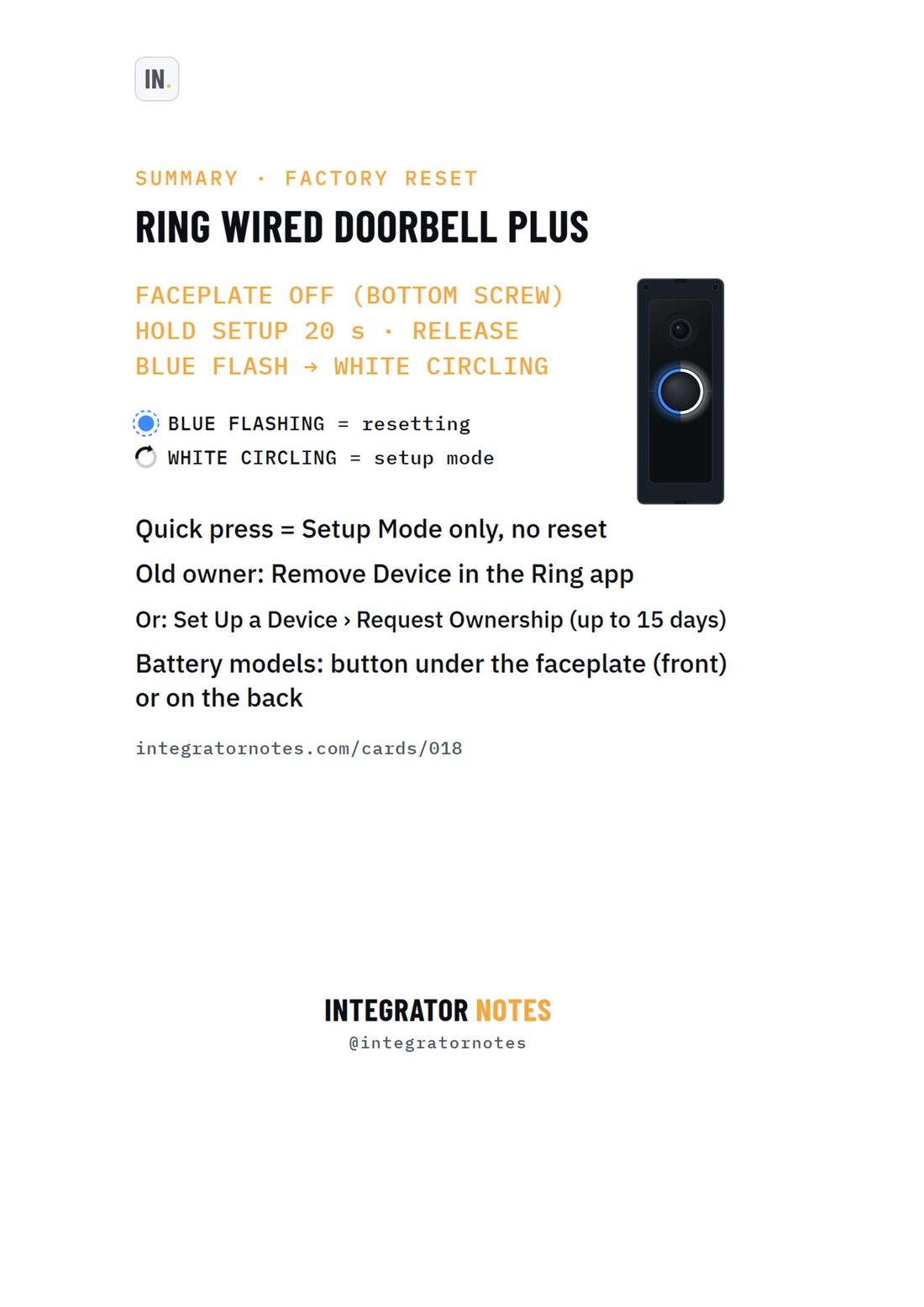
Field card 018, Ring Wired Doorbell Plus: FACEPLATE OFF (BOTTOM SCREW), HOLD SETUP 20 s · RELEASE, BLUE FLASH → WHITE CIRCLING
A4 · PDF · prints in black and white Open full size
RingFactory resetCard 018

Ring Wired Doorbell Plus

Factory reset (hold setup 20 s) — and free the old owner's account

Bench check pending

Written from official documentation and dealer sources, not yet run on our bench. Confirm on your hardware before a reset you can't undo.

The sequence

  1. FACEPLATE OFF (BOTTOM SCREW)
  2. HOLD SETUP 20 s · RELEASE
  3. BLUE FLASH → WHITE CIRCLING

Good to know

  • Quick press = Setup Mode only, no reset
  • Old owner: Remove Device in the Ring app
  • Or: Set Up a Device › Request Ownership (up to 15 days)
  • Battery models: button under the faceplate (front) or on the back
More field cards

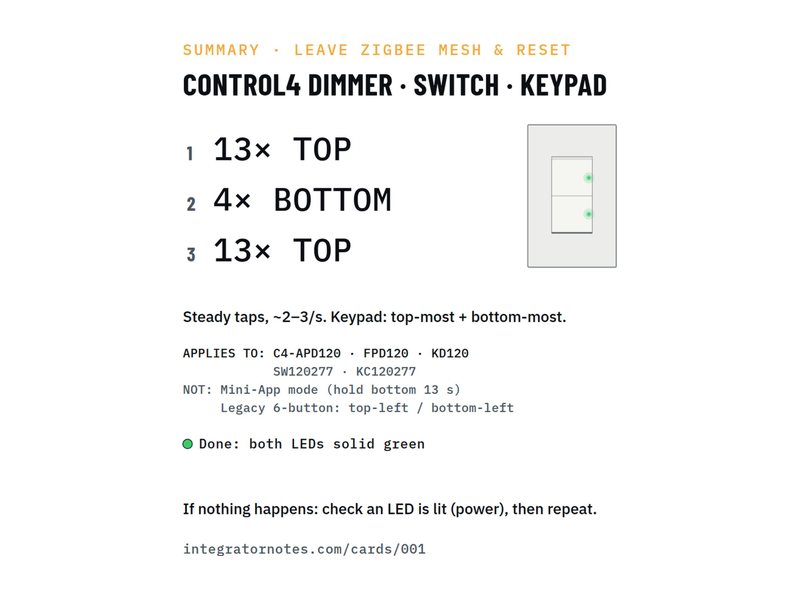
  • Field card 001: In-wall dimmer · switch · keypad
    No. 001Control4Factory reset

    In-wall dimmer · switch · keypad

    Leave the Zigbee mesh and reset (13-4-13)

    1. Tap the TOP button 13×
    2. Tap the BOTTOM button 4×
    3. Tap the TOP button 13×
    Bench check pending
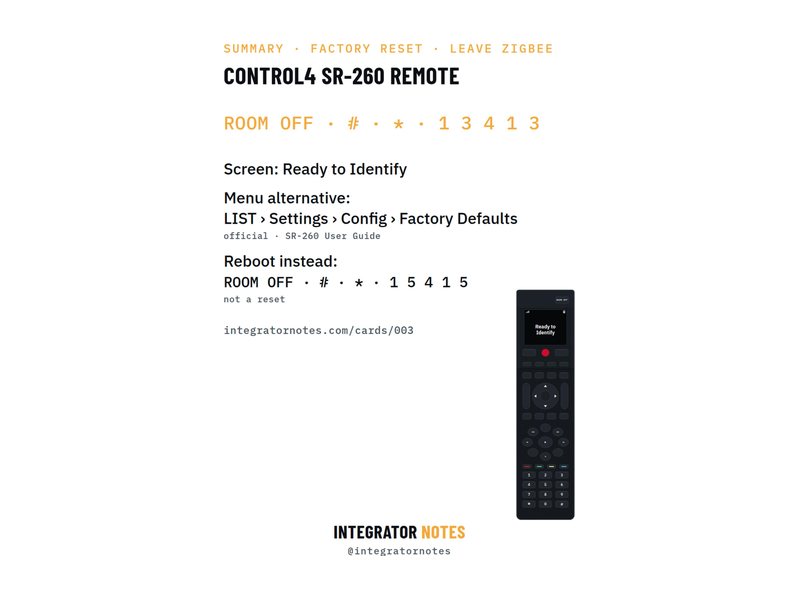
  • Field card 003: SR-260 system remote
    No. 003Control4Factory reset

    SR-260 system remote

    Factory reset and leave Zigbee

    1. Press ROOM OFF
    2. Then # and *
    3. Then 1 · 3 · 4 · 1 · 3
    Bench check pending
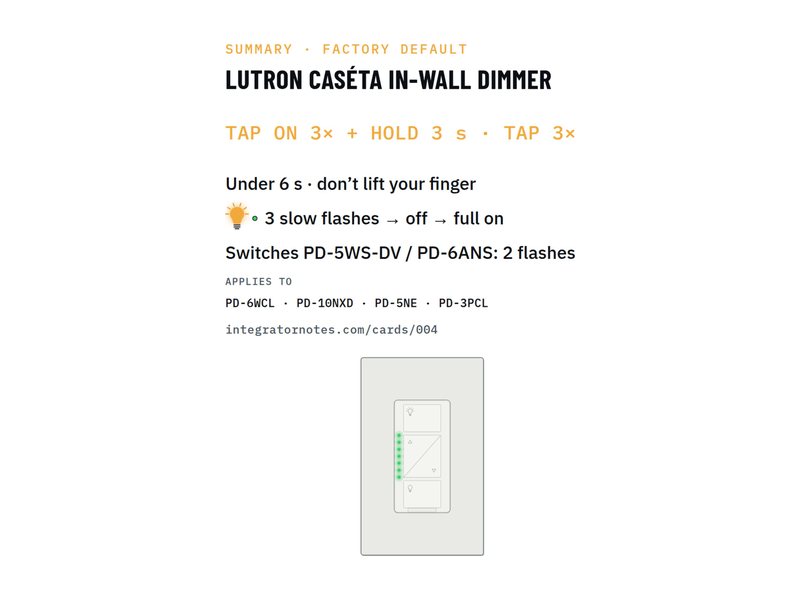
  • Field card 004: Caséta in-wall dimmer · switch
    No. 004LutronFactory reset

    Caséta in-wall dimmer · switch

    Factory default (tap 3× + hold · tap 3×)

    1. TAP ON 3× + HOLD 3 s
    2. TAP 3×
    Bench check pending
Download PDF