Integrator Notes
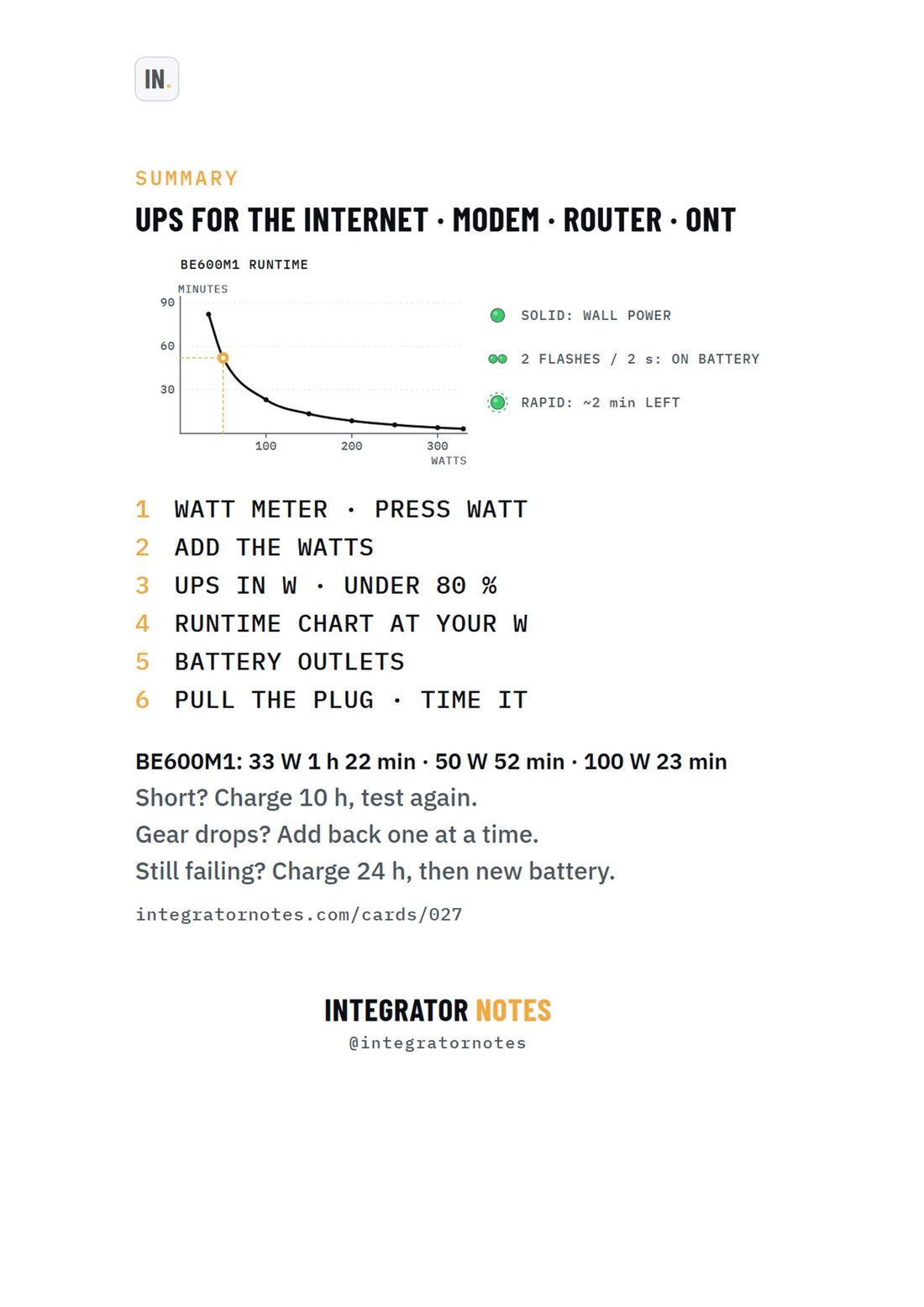
Field card 027, Back-UPS BE600M1: WATT METER · PRESS WATT, ADD THE WATTS, UPS IN W · UNDER 80 %, RUNTIME CHART AT YOUR W, BATTERY OUTLETS, PULL THE PLUG · TIME IT
A4 · PDF · prints in black and white Open full size
APCSetupCard 027

APC Back-UPS BE600M1

Size a UPS for the modem, router and ONT: watts, runtime chart

Bench check pending

Written from official documentation and dealer sources, not yet run on our bench. Confirm on your hardware before you rely on it on a job.

The sequence

  1. WATT METER · PRESS WATT
  2. ADD THE WATTS
  3. UPS IN W · UNDER 80 %
  4. RUNTIME CHART AT YOUR W
  5. BATTERY OUTLETS
  6. PULL THE PLUG · TIME IT

Good to know

  • BE600M1: 33 W 1 h 22 min · 50 W 52 min · 100 W 23 min
  • Short? Charge 10 h, test again.
  • Gear drops? Add back one at a time.
  • Still failing? Charge 24 h, then new battery.
More field cards

  • Field card 013: OvrC · new device
    No. 013OvrCSetup

    OvrC · new device

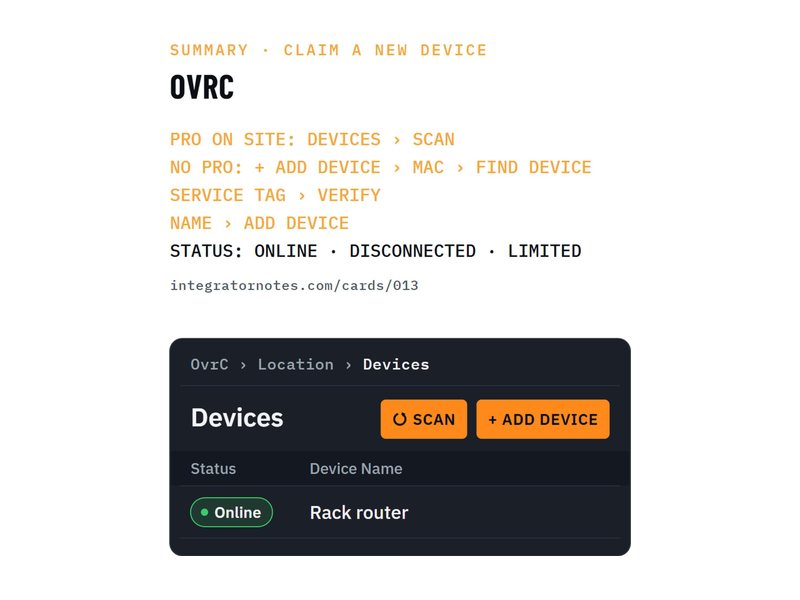
    Claim it with a Pro scan, or MAC + service tag

    1. PRO ON SITE: DEVICES › SCAN
    2. NO PRO: + ADD DEVICE › MAC › FIND DEVICE
    3. SERVICE TAG › VERIFY
    4. 1 more step
    Bench check pending
  • Field card 025: EP10 smart plug
    No. 025KasaSetup

    EP10 smart plug

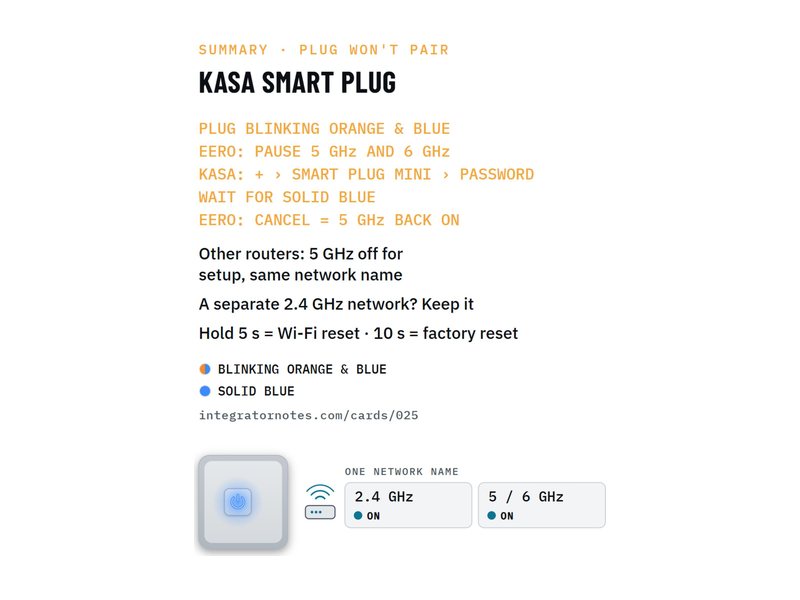
    Won't connect? Pause 5 GHz while it joins (eero)

    1. PLUG BLINKING ORANGE & BLUE
    2. EERO: PAUSE 5 GHz AND 6 GHz
    3. KASA: + › SMART PLUG MINI › PASSWORD
    4. 2 more steps
    Bench check pending
Download PDF