Integrator Notes
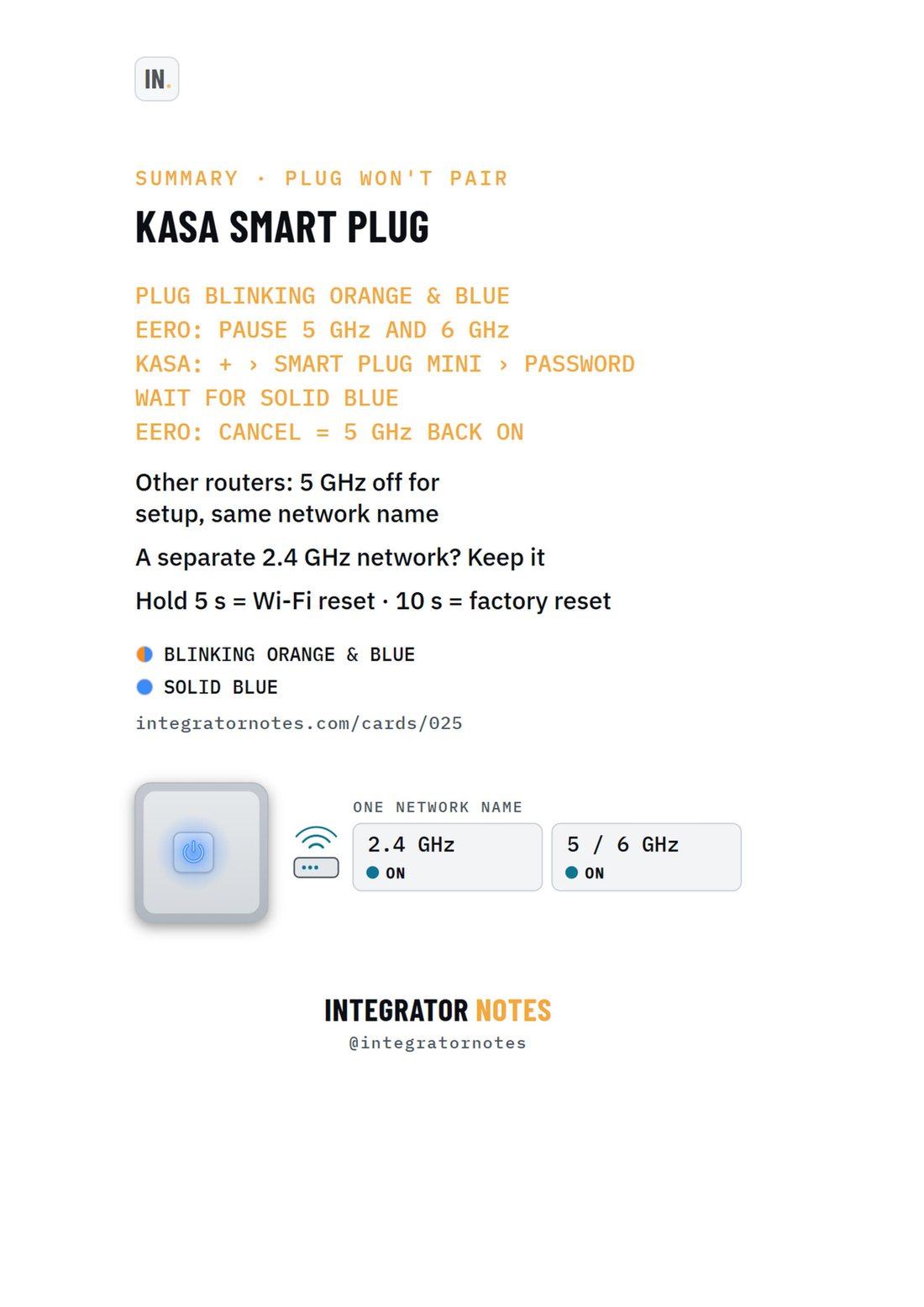
Field card 025, EP10 smart plug: PLUG BLINKING ORANGE & BLUE, EERO: PAUSE 5 GHz AND 6 GHz, KASA: + › SMART PLUG MINI › PASSWORD, WAIT FOR SOLID BLUE, EERO: CANCEL = 5 GHz BACK ON
A4 · PDF · prints in black and white Open full size
KasaSetupCard 025

Kasa EP10 smart plug

Won't connect? Pause 5 GHz while it joins (eero)

Bench check pending

Written from official documentation and dealer sources, not yet run on our bench. Confirm on your hardware before you rely on it on a job.

The sequence

  1. PLUG BLINKING ORANGE & BLUE
  2. EERO: PAUSE 5 GHz AND 6 GHz
  3. KASA: + › SMART PLUG MINI › PASSWORD
  4. WAIT FOR SOLID BLUE
  5. EERO: CANCEL = 5 GHz BACK ON

Good to know

  • Other routers: 5 GHz off for setup, same network name
  • A separate 2.4 GHz network? Keep it
  • Hold 5 s = Wi-Fi reset · 10 s = factory reset
More field cards

  • Field card 013: OvrC · new device
    No. 013OvrCSetup

    OvrC · new device

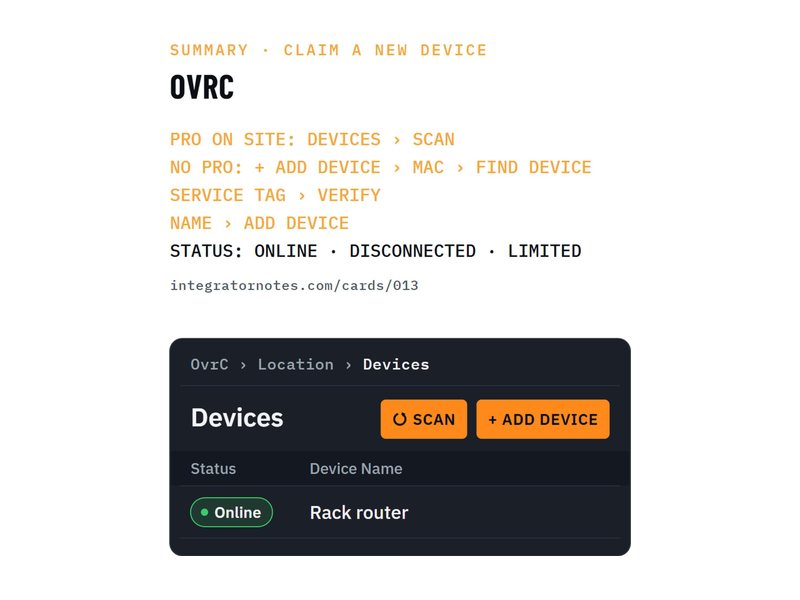
    Claim it with a Pro scan, or MAC + service tag

    1. PRO ON SITE: DEVICES › SCAN
    2. NO PRO: + ADD DEVICE › MAC › FIND DEVICE
    3. SERVICE TAG › VERIFY
    4. 1 more step
    Bench check pending
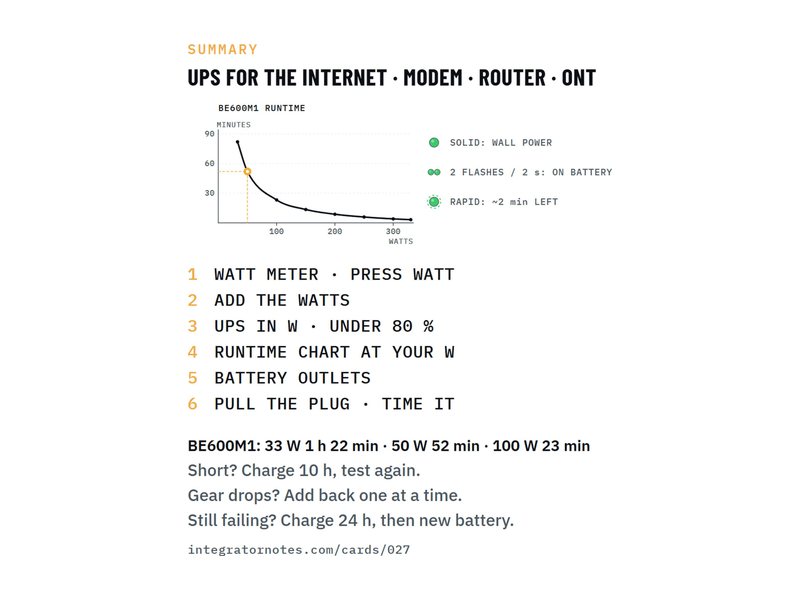
  • Field card 027: Back-UPS BE600M1
    No. 027APCSetup

    Back-UPS BE600M1

    Size a UPS for the modem, router and ONT: watts, runtime chart

    1. WATT METER · PRESS WATT
    2. ADD THE WATTS
    3. UPS IN W · UNDER 80 %
    4. 3 more steps
    Bench check pending
Download PDF