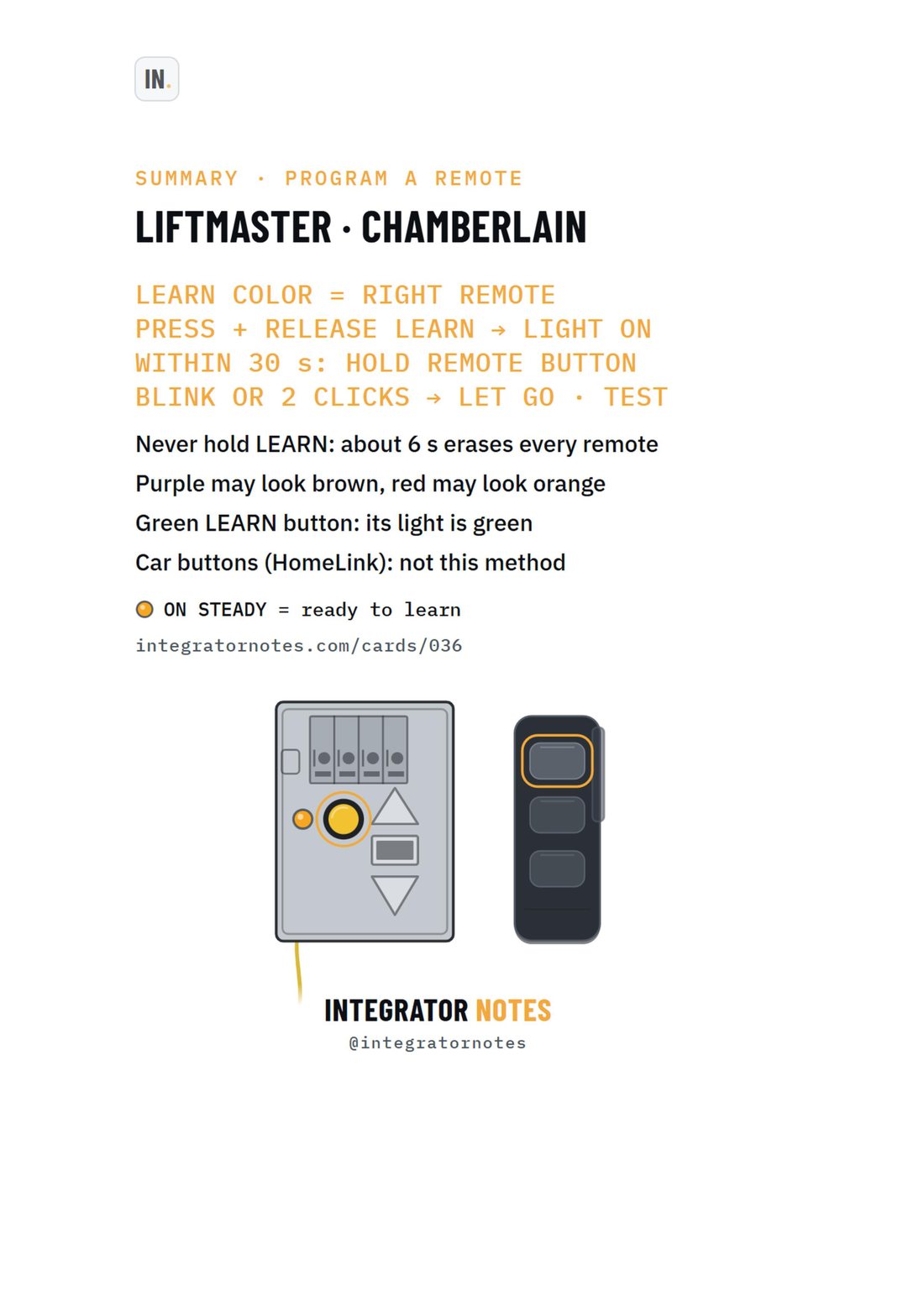
LiftMaster Opener with a LEARN button + remote
Program a remote: match the LEARN color, press LEARN once, hold the remote button within 30 s until the lights blink or 2 clicks
- Works with
- OPENERS WITH A LEARN BUTTON
- Type
- Setup
- Video
- Watch on YouTube · 0:43
- Field card
- No. 036 · A4 PDF
The video
Watch on YouTube0:43Published 2026-10-08
DON'T HOLD LEARN
About 6 s erases every remote and keypad
Press and release only
Before you start
- The LEARN color decides which remotes work
- Ladder? Bring the remote up with you
- Clear the door area: it may move
Steps
Find LEARN, read its color
BACK OR RIGHT SIDE, BY THE ANTENNA WIRE · MAY BE UNDER THE LIGHT COVER
Press and release LEARN
You should see: LEARN light on, steady
Within 30 s, hold the remote button
until the opener lights blink or 2 clicks
You should see: learned: let go
Press the remote button: the door moves
You should see: door opens or closes
How you know it worked
- Opener lights blink or 2 clicks
- Press the button again: the door moves
If it didn't work
- Wrong color: check the chart. New CR2032 battery. Wait for the LEARN light to go out, then repeat. Used to work, lights flash twice on every press: Lock is on, hold LOCK on the wall control. Red-LED MAX remote on a non-white LEARN: its own steps, see its manual.
Full sequence
LEARN COLOR = RIGHT REMOTE · PRESS + RELEASE LEARN → LIGHT ON · WITHIN 30 s: HOLD REMOTE BUTTON · BLINK OR 2 CLICKS → LET GO · TEST
Notes from the card
- Never hold LEARN: about 6 s erases every remote
- Purple may look brown, red may look orange
- Green LEARN button: its light is green
- Car buttons (HomeLink): not this method
- ON STEADY = ready to learn